AI study flows for quiz and flashcard learning

Turn notes into
focused study sessions.

Generate quizzes and flashcards from prompts, files, and images. Study daily, track progress, and keep every session moving forward.

3
Input modes
2
Study formats
1
Daily routine

Home dashboard

Daily momentum, active jobs, and study entry points

QuizPlant home dashboard

See streaks, daily quiz status, and generated content from the main workspace.

One workspace for
creating, solving, and reviewing

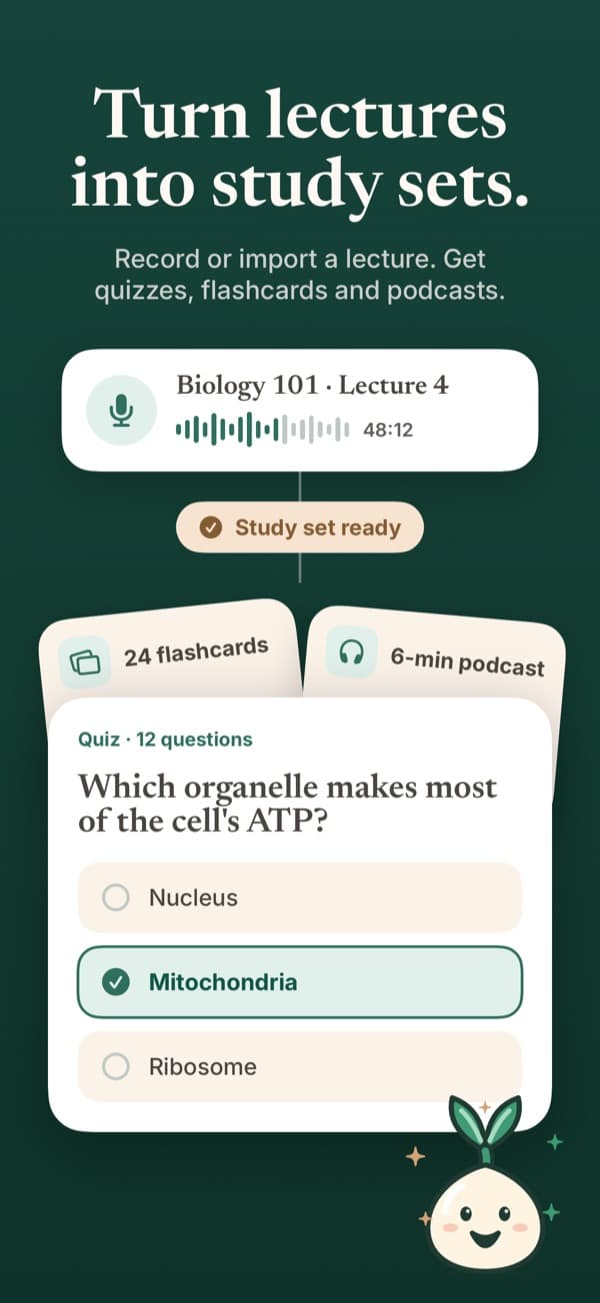
Generate study content from the material you already have

Paste a prompt, upload a document, or start from an image. QuizPlant turns raw material into clean quiz and flashcard subsets that are ready to study.

Content creation flow

Run dedicated quiz flows

Answer one question at a time, review results, and keep a clean attempt history for each subset.

Quiz flow screen

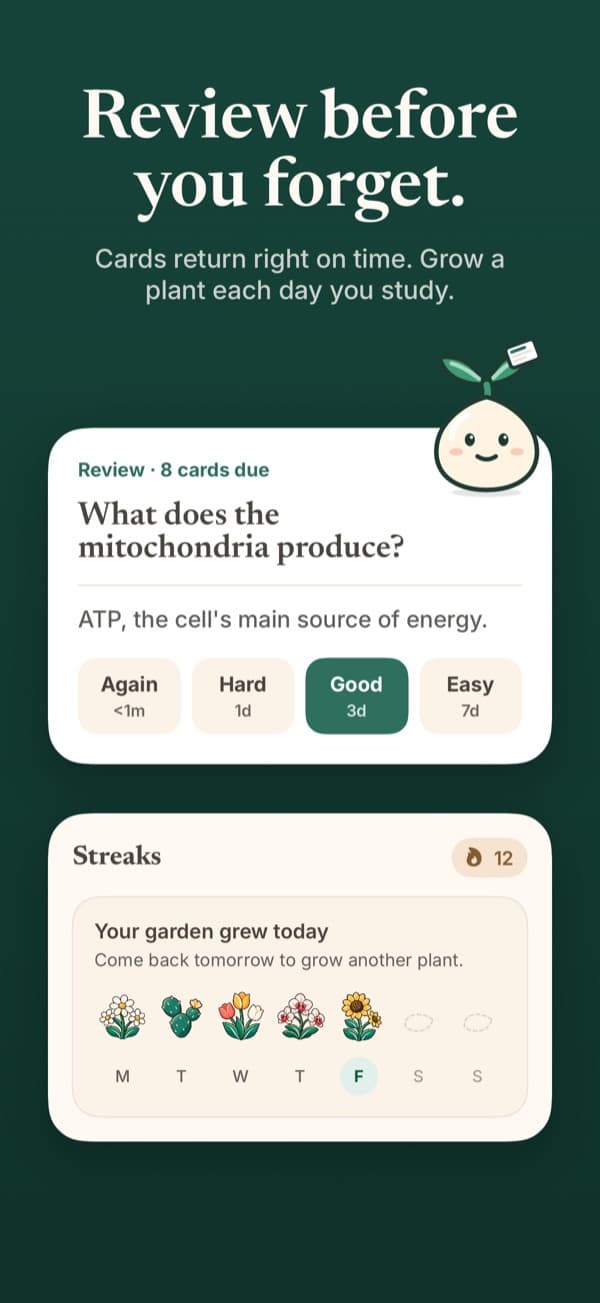
Review with daily flashcard sessions

Work through due cards, use spaced repetition ratings, and see what is ready for review on the calendar.

Daily study session
01

Prompt, file, and image generation

02

Home dashboard, daily quiz, and subset library

03

Session calendar and progress tracking

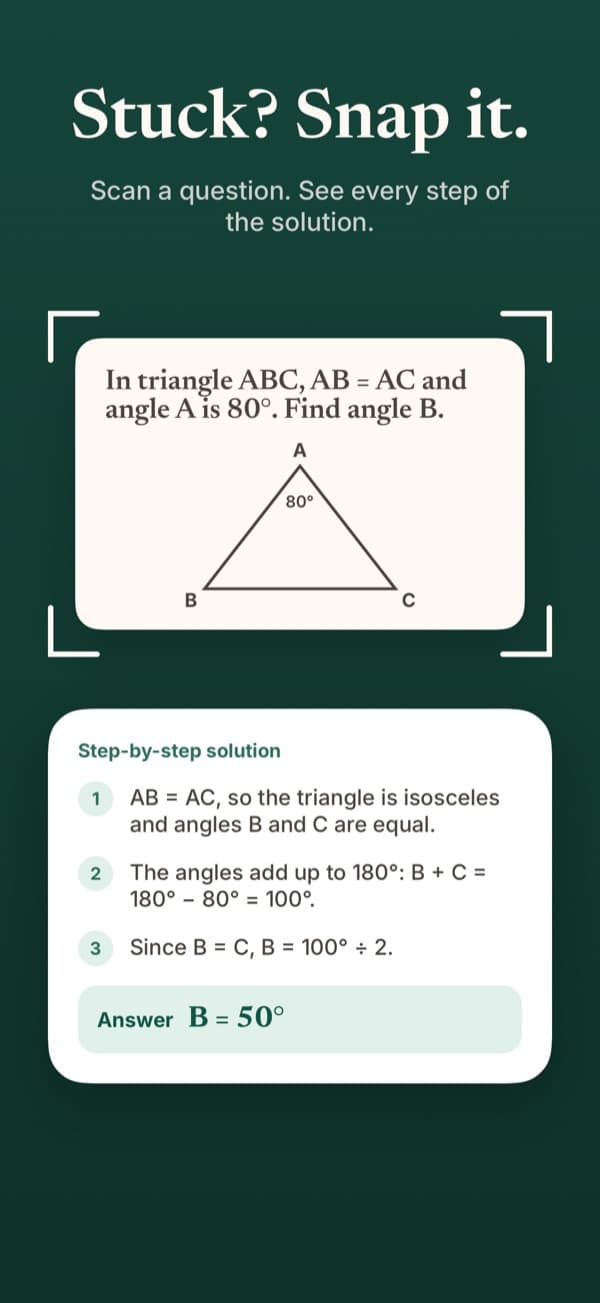
Scan a question with the camera and solve it instantly

Web workspace

Create content, manage subsets, and move through full quiz and flashcard flows in the browser.

iPhone companion

Keep the same study system with native mobile access for on-the-go review sessions.

Daily consistency

Use the home dashboard, generation jobs, and study session calendar to keep momentum visible.

Point the camera at a question and
jump straight into the solution.

QuizPlant also supports camera-based question solving. Capture a problem, detect the question area, and move directly into an explanation flow without building a full study set first.

Detects the question region before solving
Fits quick one-off problem solving
Complements generation and study flows
Live scan
Camera solving

Detected question

If the derivative of a function is positive on an interval, what can we conclude about the function?

Next step

Open guided solution

See the workflow before
you even sign in

Home + content creation

Use the same product surfaces users will actually see.

Home screen
Content creation screen

Study session views

Quiz, flashcard, and daily study flows stay separate and focused.

Daily study screen
Flashcard flow screen
Available on web and iOS

Start with the web app, keep studying everywhere.

Sign in on web to generate your first study set, then continue the routine on iPhone when you need quick review.